Trending News:Pc Tips and Tricks – List of 35 for Windows 11 with FAQsWindows Tips and Tricks – List of 40 for Windows 10 with FAQsDisable Automatic Updates in Windows 10 or 11 – All TricksSSD Speed Slow – 25 Tips to speed up Data transfer to pcGame not Launching – 25 Common errors or issues in PC GamesNorton Antivirus – List of all 25 + Features of Security SuiteMSI Laptops – 10 + Unique Features of Brand in InidaCMD Commands – List of 100 Prompts for Daily UsePS 2 vs USB – Why USB Replaced PS/2?Top Touchscreen Laptops – 10 Highly Trusted In India in 2025Bing vs Google Search – Does Bing has anything better?PC Running Slow – 25 + Softwares to speed up laptop or PCIntel Core Ultra vs Intel Core Processors. Whats better?USB HUB – 25 Things to Remember Before Buying OneE ATX Motherboards- Why These are so Costly than others?Micro ATX vs Mini ITX Motherboards – Full Comparison with FAQsATX vs E ATX Motherboards – How E atx is much better?Micro ATX vs Mini ITX – Which Motherboard is Best for you?ATX vs Micro ATX – Which Motherboard is Best for you?Mcafee vs Norton – Which has Best Features for You?McAfee vs Quick Heal – What Protects More of Your Things?Lenovo Laptops – 13 Unique Features of Brand in IndiaAsus Laptop – List of All 20 Features of this Brand in IndiaAcer Laptop – List of all Unique Features of Brand in IndiaSamsung Laptop – List of all Unique Features of the Brand in IndiaHP Laptops – List of All Unique Features of the Brand in IndiaAvira Security Suite for Pc – Features, Price, FAQs, PerformanceTop 10 Laptops for Students in india in Budget below ₹50,000Dell laptops in India. What are unique Features of These?Intel Celeron Performance. How to Tune up For Maximum Speed?Intel Celeron Games. What AAA Titles can you on Celeron PC?Intel Celeron vs i3 Processor. What’s best for You? Price & Perform?Intel Celeron Processor Prices in India. Also Desktops, LaptopsWondershare Filmora PC vs Mobile – Which is Best for You?Windows 11 Games – Which are Inbuilt Games & Offline available?Windows 10 games. Can You Play inbuilt games Offline?Veracrypt Encryption Software. How to Hide Your Encrpyted Data?Computer Fan Setup. How many Do you Really Need?Bing vs Google Search – Which has Got more Search Tools?NPU in your PC? How it differs from CPU & GPU?Top 10 Expensive Laptops in India 2025Top 10 Laptops above 3 Lakhs in india 2025Top 10 Laptops for Video Editing for YouTube in IndiaOld Laptop. Which Component You should replace after 4 years?Windows 10 facts. 100 Amazing Things you dont know7zip vs Winrar. Which do you need with Full Comparison?Windows 12 Release Date, Requirements, Gaming, FeaturesMicro ATX Motherboard Parts. What All Parts Makes it to work?
Trending News:Pc Tips and Tricks – List of 35 for Windows 11 with FAQsWindows Tips and Tricks – List of 40 for Windows 10 with FAQsDisable Automatic Updates in Windows 10 or 11 – All TricksSSD Speed Slow – 25 Tips to speed up Data transfer to pcGame not Launching – 25 Common errors or issues in PC GamesNorton Antivirus – List of all 25 + Features of Security SuiteMSI Laptops – 10 + Unique Features of Brand in InidaCMD Commands – List of 100 Prompts for Daily UsePS 2 vs USB – Why USB Replaced PS/2?Top Touchscreen Laptops – 10 Highly Trusted In India in 2025Bing vs Google Search – Does Bing has anything better?PC Running Slow – 25 + Softwares to speed up laptop or PCIntel Core Ultra vs Intel Core Processors. Whats better?USB HUB – 25 Things to Remember Before Buying OneE ATX Motherboards- Why These are so Costly than others?Micro ATX vs Mini ITX Motherboards – Full Comparison with FAQsATX vs E ATX Motherboards – How E atx is much better?Micro ATX vs Mini ITX – Which Motherboard is Best for you?ATX vs Micro ATX – Which Motherboard is Best for you?Mcafee vs Norton – Which has Best Features for You?McAfee vs Quick Heal – What Protects More of Your Things?Lenovo Laptops – 13 Unique Features of Brand in IndiaAsus Laptop – List of All 20 Features of this Brand in IndiaAcer Laptop – List of all Unique Features of Brand in IndiaSamsung Laptop – List of all Unique Features of the Brand in IndiaHP Laptops – List of All Unique Features of the Brand in IndiaAvira Security Suite for Pc – Features, Price, FAQs, PerformanceTop 10 Laptops for Students in india in Budget below ₹50,000Dell laptops in India. What are unique Features of These?Intel Celeron Performance. How to Tune up For Maximum Speed?Intel Celeron Games. What AAA Titles can you on Celeron PC?Intel Celeron vs i3 Processor. What’s best for You? Price & Perform?Intel Celeron Processor Prices in India. Also Desktops, LaptopsWondershare Filmora PC vs Mobile – Which is Best for You?Windows 11 Games – Which are Inbuilt Games & Offline available?Windows 10 games. Can You Play inbuilt games Offline?Veracrypt Encryption Software. How to Hide Your Encrpyted Data?Computer Fan Setup. How many Do you Really Need?Bing vs Google Search – Which has Got more Search Tools?NPU in your PC? How it differs from CPU & GPU?Top 10 Expensive Laptops in India 2025Top 10 Laptops above 3 Lakhs in india 2025Top 10 Laptops for Video Editing for YouTube in IndiaOld Laptop. Which Component You should replace after 4 years?Windows 10 facts. 100 Amazing Things you dont know7zip vs Winrar. Which do you need with Full Comparison?Windows 12 Release Date, Requirements, Gaming, FeaturesMicro ATX Motherboard Parts. What All Parts Makes it to work?
Old Laptop. Which Component You should replace after 4 years?
If your old laptop feels like it’s crawling with age — taking forever to boot, open programs, or even browse the internet — don’t rush to buy a new one. Often, a few smart upgrades can breathe new life into an old machine at a fraction of the cost of a new laptop.
In this guide, we’ll walk you through the most effective laptop upgrades in India, which components to change, the costs involved (as per 2025 Indian market prices), and the performance benefits you can expect.
🔧 1. Upgrade HDD to SSD: The Most Impactful Boost
Why Upgrade:
Most old laptops still use mechanical hard drives (HDDs), which are significantly slower than solid-state drives (SSDs). Replacing your HDD with an SSD can make your laptop boot 5–10 times faster, launch apps instantly, and eliminate lags.
Types of SSDs:
2.5-inch SATA SSD – Compatible with most older laptops.
M.2 SATA SSD – Requires an M.2 slot, common in newer models.
M.2 NVMe SSD – Super-fast, but works only if your motherboard supports NVMe.
Recommended Options and Prices (2025):
Brand & Model
Capacity
Type
Price (INR)
Crucial BX500
240GB
SATA 2.5″
₹1,999
Kingston A400
480GB
SATA 2.5″
₹2,999
WD Blue SN570
500GB
M.2 NVMe
₹3,999
Samsung 980
1TB
M.2 NVMe
₹5,999
Pro Tip: If your laptop supports only HDD, go for a 2.5″ SATA SSD.
Performance Boost:
Boot time drops from 2 minutes to ~15 seconds
Programs open 3–5x faster
No noise or heating like traditional HDDs
💾 2. Upgrade or Add RAM: Crucial for Multitasking
Why Upgrade:
If your laptop has less than 8GB of RAM, it will struggle to keep multiple tabs or apps open. Upgrading to 8GB or 16GB (if supported) improves speed and responsiveness drastically.
How to Check RAM Type:
Use software like CPU-Z or check system info for RAM specs. You’ll see DDR3, DDR4, or even older DDR2.
Recommended Options and Prices (2025):
Type
Size
Brand (Example)
Price (INR)
DDR3L
4GB
Crucial / Kingston
₹1,200–1,400
DDR3L
8GB
Crucial / Corsair
₹2,000–2,500
DDR4
8GB
Corsair / G.Skill
₹2,500–2,800
DDR4
16GB
Corsair / Crucial
₹4,000–4,500
Important: Most laptops have only 1 or 2 RAM slots. Max supported RAM varies by motherboard.
Performance Boost:
Smoother multitasking (Chrome, MS Office, Zoom, etc.)
Reduces freezing and stuttering
Games run more smoothly (if supported by GPU)
🔋 3. Replace Old Battery: For Better Portability
Why Upgrade:
Old batteries degrade and hold less charge or swell, risking motherboard damage. If your laptop dies quickly even after full charge, it’s time to replace the battery.
Price Range (Indian Market 2025):
Laptop Brand
Compatible Battery Price
HP (basic)
₹1,800–₹2,500
Dell Inspiron
₹2,000–₹3,000
Lenovo
₹2,000–₹2,800
MacBook (older models)
₹3,000–₹5,000
Pro Tip: Always buy genuine or high-quality OEM batteries. Cheap clones are risky.
Thermal paste between your CPU/GPU and heatsink dries over time, causing overheating. This leads to thermal throttling and performance drops.
Process:
Open the laptop carefully
Clean old thermal paste with isopropyl alcohol
Apply new high-quality thermal paste
Thermal Paste Options (Indian Market):
Brand
Price (INR)
Arctic MX-4
₹400–₹500
Cooler Master
₹350–₹450
Noctua NT-H1
₹500–₹600
Performance Boost:
CPU/GPU runs cooler
Less fan noise
Better long-term hardware health
🖥️ 5. Upgrade Display (Optional): If Screen is Cracked or Dim
Why Upgrade:
Older laptops often have low-resolution (1366×768) TN panels with poor brightness and color. If the screen is dim, cracked, or flickering — consider replacing it.
Price Range:
Display Type
Size
Price (INR)
TN Panel
14″
₹2,500–₹3,000
TN Panel
15.6″
₹3,000–₹4,000
IPS Panel (FHD)
15.6″
₹5,000–₹6,000
Note: Make sure the new display is compatible with your laptop model and connector.
🔌 6. Upgrade Wi-Fi Card (Optional): For Faster Internet
Why:
Older laptops may still use 802.11n Wi-Fi (2.4GHz only), which is slow and crowded. Upgrading to a dual-band 802.11ac or 802.11ax (Wi-Fi 6) module can offer faster and more stable internet.
Wi-Fi Card Options:
Brand
Type
Price (INR)
Intel 7260 AC
802.11ac
₹1,200
Intel AX200
Wi-Fi 6
₹2,000
Make sure your laptop has a removable mini PCIe or M.2 slot for Wi-Fi.
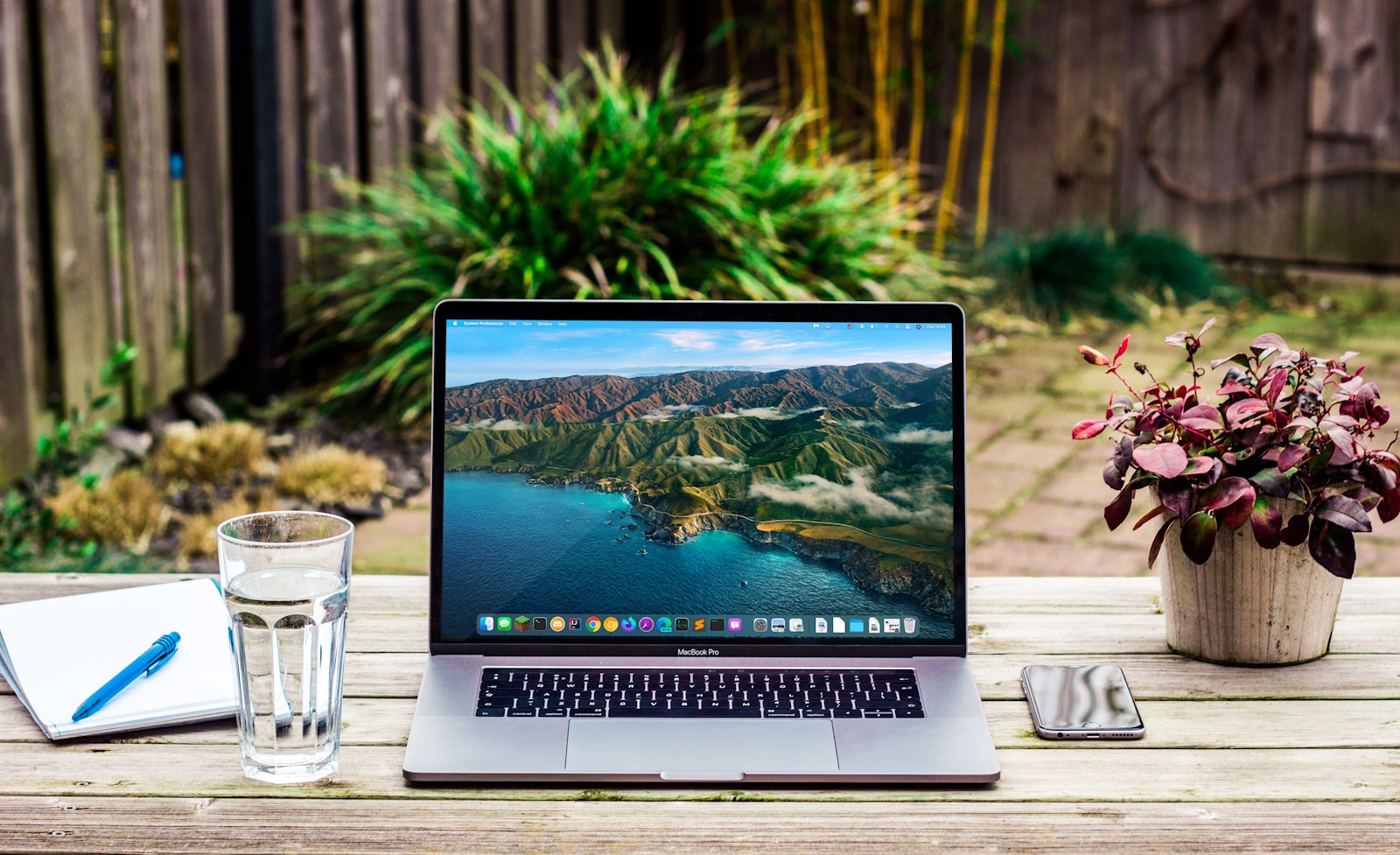
Old Laptop | Photo credit: www.pexels.com
🎧 7. Replace Keyboard, Touchpad, or Hinges (If Broken)
Symptoms:
Some keys not working
Sticky or broken touchpad
Loose screen hinges
Typical Prices (India 2025):
Component
Price Range
Laptop Keyboard
₹800–₹1,500
Touchpad Module
₹1,200–₹2,000
Laptop Hinges Set
₹400–₹800
These are worth replacing if the motherboard and screen are still in good condition.
💽 8. Use a Caddy for Dual Drives: Keep HDD as Storage
If your laptop has a CD/DVD drive you don’t use, you can replace it with a hard drive caddy. This allows you to install your old HDD as a secondary storage device and use an SSD as the main drive.
Price:
HDD Caddy (9.5mm) – ₹400–₹600
Benefits:
SSD for speed + HDD for storage
Easy to swap and install
💻 9. Reinstall Windows or Use Lightweight Linux
Why:
Old Windows installations slow down over time. A fresh install of Windows 10/11 or even a lightweight Linux OS can dramatically improve speed.
OS Choices:
OS
Type
Cost
Windows 10/11
Proprietary
₹0 (if licensed)
Linux Mint / Zorin OS / Ubuntu
Free
₹0
Performance Boost:
Cleaner UI
Faster boot and operations
No bloatware
🧠 10. Upgrade BIOS (Advanced)
Why:
An outdated BIOS may not support new RAM sizes, SSDs, or fix CPU bugs. Upgrading BIOS can improve compatibility.
Risk:
Incorrect flashing can brick your motherboard. Do this only if required and follow manufacturer instructions.
💰 Total Cost Estimation for Budget Upgrades (2025)
Let’s assume you want to do basic upgrades on a 5–7-year-old laptop:
Component
Upgrade
Cost (INR)
SSD
480GB SATA
₹2,999
RAM
8GB DDR3L
₹2,200
Battery
Compatible model
₹2,000
Thermal Paste
Arctic MX-4
₹400
OS Reinstall
Windows/Linux
₹0
Total
—
₹7,599
For under ₹8,000, you can make your old laptop work almost like new — perfect for office work, browsing, and light media consumption.
🛑 When Should You Not Upgrade?
While upgrades can work wonders, some laptops are too old or underpowered to justify the cost. Don’t spend money if:
CPU is very old (Intel Atom, Celeron N-series)
RAM is limited to 2GB or max 4GB
Screen is badly damaged
Laptop is over 10 years old and has hardware failures
In such cases, consider buying a new budget laptop starting ₹20,000–₹30,000.
✅ Final Tips Before You Upgrade
Backup your data before replacing drives.
Use anti-static protection when handling internals.
Check compatibility on manufacturer’s site or forums.
Watch YouTube teardown videos for your specific model.
Keep screws organized while opening the laptop.
Conclusion
Reviving an old laptop doesn’t always mean buying a new one. With a little effort and around ₹7,000–₹10,000, you can transform a slow machine into a fast, reliable workhorse for office, study, or light media use.
Whether it’s upgrading to an SSD, adding more RAM, or cleaning thermal paste, each small step brings major performance gains.
Have an used laptop model in mind? Drop it in the comments and we’ll recommend exact upgrades for it!
FAQs
✅ GENERAL QUESTIONS
1. Why is my old laptop running slow? Over time, components like HDDs, insufficient RAM, and thermal issues slow down performance. Background apps, outdated software, or OS bloat also contribute.
2. Can upgrading old laptop components really improve speed? Yes. Replacing HDD with SSD and increasing RAM are two of the most effective ways to speed up an old laptop.
3. Is it cheaper to upgrade or buy a new laptop? Upgrading is significantly cheaper (₹5,000–₹10,000) and often enough for regular use. Buying a new laptop may cost ₹25,000 or more.
4. Is it safe to open and upgrade a laptop myself? Yes, if you follow proper instructions and take anti-static precautions. Otherwise, visit a technician.
💽 STORAGE (HDD TO SSD)
5. What is the most important upgrade for speed? Upgrading from a traditional HDD to an SSD has the biggest impact on boot and load times.
6. How do I know if my laptop supports SSD? Most laptops with a 2.5-inch SATA HDD can support a 2.5-inch SATA SSD. You can also check the user manual or motherboard info.
7. Can I use both SSD and HDD in my laptop? Yes, if your laptop supports two drives or has a DVD drive you can replace with an HDD caddy.
8. What size SSD is best for general use? At least 240GB for OS and basic apps. 480GB–1TB is recommended if you need more storage.
💾 RAM UPGRADE
9. How much RAM do I need in 2025? For basic use: 8GB. For heavy multitasking or light gaming: 16GB.
10. Can I add RAM to any old laptop? Only if there are free RAM slots or if the motherboard supports a RAM upgrade.
11. How do I check what type of RAM I need? Use tools like CPU-Z or check your laptop’s manual. You’ll see DDR3, DDR4, or older DDR2.
12. Is it better to upgrade SSD or RAM first? If your laptop already has 4GB or more RAM, upgrade the SSD first. SSD offers a more noticeable speed boost.
🔋 BATTERY REPLACEMENT
13. How do I know if my laptop battery needs replacement? If it drains quickly, doesn’t charge fully, or swells physically, it should be replaced.
14. Can I use third-party batteries? Yes, but use trusted OEM or high-quality compatible brands. Cheap ones may damage your motherboard.
🧊 THERMAL PASTE & OVERHEATING
15. What is thermal paste, and why is it important? It ensures proper heat transfer between CPU/GPU and the heatsink. Dried paste can cause overheating and slowdowns.
16. How often should thermal paste be replaced? Every 3–5 years or if you notice thermal throttling or unusual fan noise.
17. Can I apply thermal paste myself? Yes, with basic tools and tutorials. It’s an easy DIY if you’re careful.
🖥️ DISPLAY & OTHER COMPONENTS
18. Is it worth replacing a broken laptop screen? Yes, if the laptop is otherwise working well. Screens cost ₹2,500–₹6,000 in India.
19. Can I replace a broken keyboard or touchpad? Yes. Replacement parts are available and affordable (₹800–₹2,000).
📡 WIFI, BIOS, OS
20. What is the benefit of upgrading a Wi-Fi card? Faster, more stable internet, especially if your card supports dual-band or Wi-Fi 6.
21. Should I reinstall Windows after upgrading parts? Yes, for best performance and a fresh start. Backup your data first.
22. Can I install Linux instead of Windows on laptops? Yes. Linux distributions like Zorin OS, Linux Mint, and Ubuntu are lightweight and perfect for old laptops.
23. Should I upgrade BIOS on laptops? Only if required for compatibility or stability. BIOS flashing carries risks.
💡 FINAL DECISION
24. Is it worth upgrading a 10-year- laptop? Only if it has at least 4GB RAM support, working screen and CPU like Core i3/i5. Otherwise, consider a new laptop.
25. Where can I buy these laptop components in India? Online: Amazon, Flipkart, PrimeABGB, Vedant Computers. Offline: Nehru Place (Delhi), SP Road (Bangalore), Lamington Road (Mumbai), etc.
MSI Laptops – 10 + Unique Features of Brand in Inida
Reading Time: 11minutesIn India, MSI positions several distinct laptop series, each targeting different user segments:
Gaming flagship series: Titan, Raider, Vector, Crosshair. These target hardcore gamers or creators needing extreme performance. For example, MSI launched a new gaming series in India equipped with 12th-Gen Intel H-series processors and up to NVIDIA RTX 3080 Ti. (PR Newswire)
Mid-range gaming / entry gaming: Katana, GF/GL/GF Thin. For gamers who want good performance but more reasonable pricing. For example, MSI launched new laptops in India across GP, GL, GF series with 11th Gen Intel CPUs. (onsitego.com)
Creator / content-creator series: Creator series, Prestige series. Emphasis on colour accuracy, portability, and productivity. For example, the Creator 17 in India came with 10th Gen Intel + RTX 2080 Max-Q. (The Mobile Indian)
Thin & light / business & everyday use: Modern series, Thin A series. These emphasise portability, battery life, and lighter chassis. For example, the Modern 14 in India with 12th Gen Intel Core i7-1255U. (Tech Stories India)
Top Touchscreen Laptops – 10 Highly Trusted In India in 2025
Reading Time: 10minutesTouchscreen laptops remain one of the most versatile choices for students, creators, professionals and casual users who want the convenience of a tablet plus the full-power of a laptop. In India the market is crowded — from sleek convertibles and premium 2-in-1s to powerful thin-and-lights with precise touch displays. Below I’ve picked the top 10 touchscreen laptops you can buy in India (October 2025), summarised the key specs, who each model is best for, strengths & weaknesses, and cited current price references so you can quickly compare. (Prices fluctuate with sales and configurations; I’ve listed commonly available configurations and their Indian retail price references.)

 author