

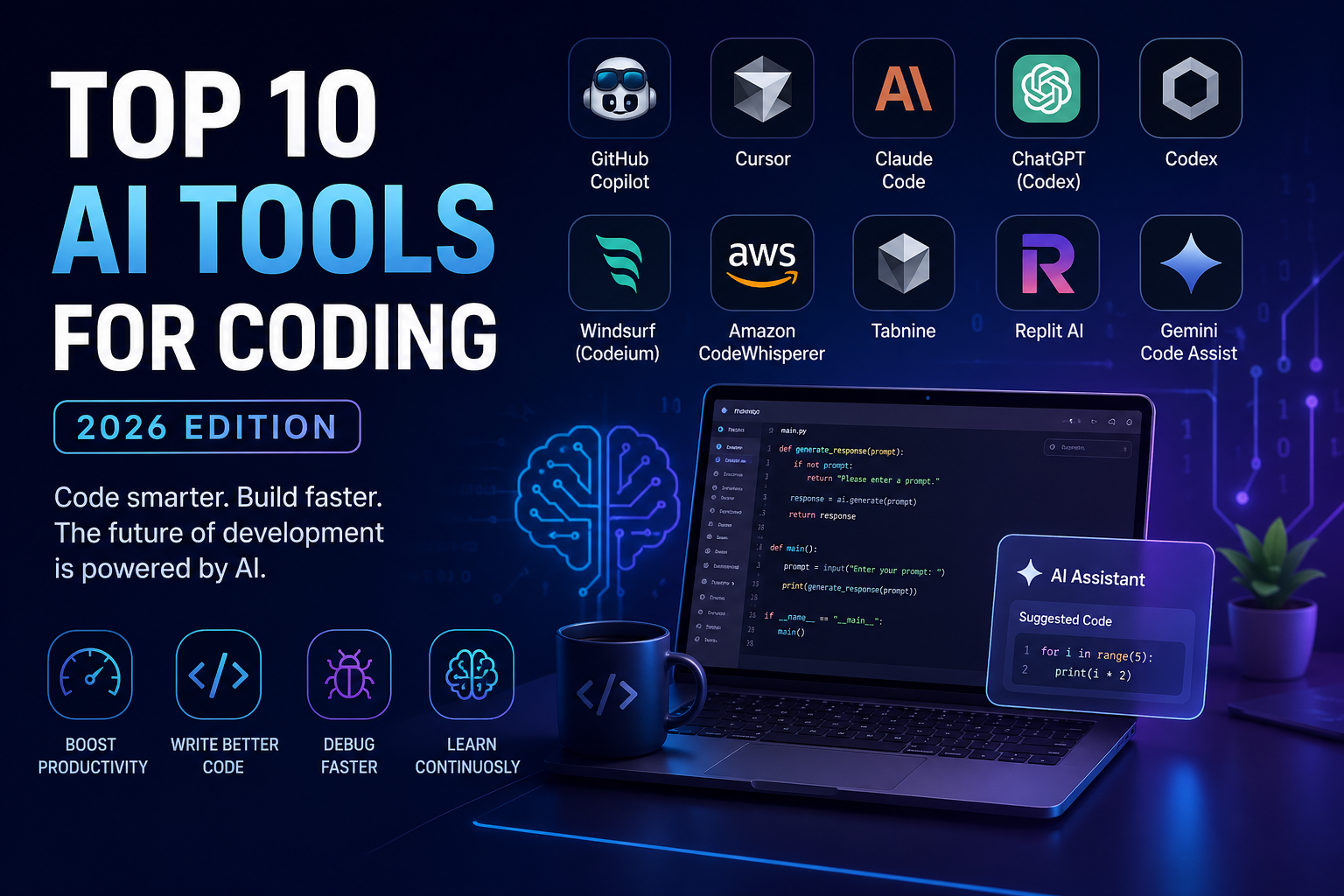
Top 10 AI Tools for Coding in 2026: The Ultimate Guide for Developers
AI tools for coding
Artificial Intelligence has fundamentally transformed software development. What once took hours—or even days—can now be done in minutes with AI-powered coding assistants. From auto-completing code to debugging complex systems and even generating entire applications, AI tools have become essential for developers at all levels.
In 2026, AI coding tools are no longer just “autocomplete on steroids.” They now understand entire codebases, suggest architectural improvements, and even act as autonomous coding agents. Developers using AI tools are reported to complete tasks up to 55% faster, highlighting their growing importance in modern workflows.
In this article, we explore the top 10 AI tools for coding, their features, pros, cons, and ideal use cases.
1. GitHub Copilot – The Industry Standard
GitHub Copilot remains the most widely used AI coding assistant in 2026. Often described as an “AI pair programmer,” it integrates directly into popular IDEs like Visual Studio Code, JetBrains, and Neovim.
Key Features:
- Real-time code suggestions
- Multi-language support
- Deep GitHub integration
- Copilot Chat for explanations and debugging
Why It Stands Out:
Copilot is used by over 1.8 million developers, making it the most adopted tool in the ecosystem.
Best For:
- Everyday coding
- Beginners and professionals
- Fast autocomplete and boilerplate generation
Drawbacks:
- Limited context window compared to newer tools
- Requires internet connection
2. Cursor – The AI-Native Code Editor
Cursor is one of the fastest-growing AI coding tools and is often considered the best all-in-one coding environment.
Key Features:
- AI-powered code editor (VS Code-based)
- Multi-file editing with natural language commands
- Codebase-aware suggestions
- Built-in chat interface
Why It Stands Out:
Cursor excels in understanding large codebases and making coordinated changes across multiple files.
Best For:
- Full-stack developers
- Large projects
- Teams working on complex systems
Drawbacks:
- Paid subscription required for full features
- Learning curve for new users
3. Claude Code – Best for Complex Logic & Refactoring
Claude Code has rapidly become a favorite among advanced developers due to its powerful reasoning capabilities.
Key Features:
- Large context window (up to 200K tokens)
- Deep reasoning for complex code
- Terminal-based workflows
- Strong refactoring abilities
Why It Stands Out:
It ranks among the top tools for code quality and architecture, with leading performance scores in 2026 benchmarks.
Best For:
- Backend development
- Complex algorithms
- Code refactoring
Drawbacks:
- Requires technical expertise
- Usage limits may apply
4. ChatGPT (with Codex) – Versatile AI Coding Assistant
ChatGPT remains one of the most versatile tools for coding, offering conversational coding support, debugging, and code explanations.
Key Features:
- Natural language coding assistance
- Code interpreter for running scripts
- Multi-language support
- Code explanation and conversion
Why It Stands Out:
Its ability to explain code makes it ideal for learning and debugging.
Best For:
- Beginners
- Learning programming
- Quick scripting and debugging
Drawbacks:
- Less integrated into IDEs compared to others
- May require manual context input
5. OpenAI Codex – Autonomous Coding Agent
Codex represents the next evolution of AI coding—autonomous agents that can complete tasks independently.
Key Features:
- Task-based coding automation
- Cloud sandbox execution
- Integration with enterprise platforms
Why It Stands Out:
Codex can execute tasks like building features or fixing bugs with minimal human intervention.
Best For:
- Automation-heavy workflows
- Enterprise development
- AI-driven projects
Drawbacks:
- Still evolving
- Requires structured prompts
6. Windsurf (Codeium) – Best Free AI Coding Tool
Windsurf (formerly Codeium) is one of the best free AI coding assistants available.
Key Features:
- Unlimited autocomplete
- Supports multiple IDEs
- Chat-based coding assistance
- Free tier with strong capabilities
Why It Stands Out:
It offers about 70% of premium tool performance for free, making it ideal for students and hobbyists.
Best For:
- Beginners
- Budget-conscious developers
- Side projects
Drawbacks:
- Less powerful than premium tools
- Limited advanced features
7. Amazon CodeWhisperer – Best for AWS Developers
Amazon CodeWhisperer is tailored for developers working within the AWS ecosystem.
Key Features:
- AWS service integration
- Security scanning
- Code suggestions for cloud applications
Why It Stands Out:
It helps developers write secure and optimized cloud code.
Best For:
- Cloud developers
- AWS-based projects
- Enterprise teams
Drawbacks:
- Limited outside AWS ecosystem
- Less versatile than general tools
8. Tabnine – Privacy-Focused AI Coding Tool
Tabnine focuses on privacy and enterprise-grade security.
Key Features:
- Local deployment options
- Private code training
- Fast autocomplete
- Enterprise controls
Why It Stands Out:
Unlike many tools, Tabnine can run locally, ensuring code privacy.
Best For:
- Enterprises
- Security-sensitive projects
- Offline development
Drawbacks:
- Less advanced reasoning compared to newer AI tools
- Limited free features
9. Replit AI – Best for Beginners & Rapid Prototyping
Replit AI simplifies coding for beginners and enables quick prototyping.
Key Features:
- Browser-based coding environment
- AI-assisted app generation
- Instant deployment
- Collaborative coding
Why It Stands Out:
It removes setup complexity, allowing users to start coding instantly.
Best For:
- Students
- Hackathons
- Quick prototypes
Drawbacks:
- Not ideal for large-scale projects
- Limited customization
10. Gemini Code Assist – Google’s AI Coding Solution
Google’s Gemini brings powerful AI capabilities integrated with Google Cloud and development tools.
Key Features:
- Integration with Google Workspace
- Advanced reasoning capabilities
- Cloud-native development support
Why It Stands Out:
It is ideal for developers already using Google’s ecosystem.
Best For:
- Google Cloud developers
- Data-heavy applications
- AI/ML projects
Drawbacks:
- Ecosystem dependency
- Still catching up in developer adoption
How to Choose the Right AI Coding Tool
With so many options available, choosing the right tool depends on your needs:
1. For Beginners:
- ChatGPT
- Replit AI
- Windsurf
2. For Professionals:
- GitHub Copilot
- Cursor
- Claude Code
3. For Enterprises:
- Tabnine
- Amazon CodeWhisperer
- Codex
4. For Large Codebases:
- Cursor
- Claude Code
Key Benefits of Using AI Coding Tools
1. Faster Development
AI tools significantly reduce development time by automating repetitive tasks.
2. Better Code Quality
They help detect bugs, suggest improvements, and enforce best practices.
3. Learning & Skill Improvement
Developers can learn new languages and frameworks faster with AI guidance.
4. Automation of Complex Tasks
Modern AI tools can handle entire workflows—from writing code to deployment.
Challenges & Limitations
Despite their advantages, AI coding tools are not perfect:
- Incorrect suggestions can lead to bugs
- Security concerns with generated code
- Over-reliance may reduce deep understanding
- Cost for premium tools
Developers should always review and test AI-generated code.
The Future of AI in Coding
The future of coding is shifting toward agentic AI systems—tools that can independently plan, write, test, and deploy code. Research shows that these systems are already being used to automate large portions of development workflows. (arXiv)
We are moving toward a world where:
- Developers act as supervisors, not just coders
- AI handles repetitive and complex tasks
- Entire applications can be built from simple prompts
Conclusion
AI coding tools have evolved from simple assistants to powerful development partners. Whether you’re a beginner learning your first programming language or a professional managing large-scale systems, there’s an AI tool tailored to your needs.
Top picks in 2026:
- Best overall: GitHub Copilot
- Best productivity: Cursor
- Best for complex tasks: Claude Code
- Best free tool: Windsurf
The key is not just choosing one tool—but combining them effectively to maximize productivity.
As the AI revolution continues, one thing is clear:
Developers who use AI will outperform those who don’t.
FAQs
1. What are AI coding tools?
AI coding tools are software powered by artificial intelligence that help developers write, debug, and optimize code automatically or with minimal input.
2. How do AI coding assistants work?
They use machine learning models trained on large code datasets to predict, generate, and improve code based on user input.
3. Are AI coding tools suitable for beginners?
Yes, many tools are beginner-friendly and can help users learn programming faster by providing suggestions and explanations.
4. Which is the best AI tool for coding in 2026?
Popular choices include GitHub Copilot, Cursor, and ChatGPT, depending on your use case.
5. Can AI tools replace programmers?
No, AI tools assist developers but cannot fully replace human creativity, problem-solving, and decision-making.
6. Are AI coding tools free?
Some tools offer free versions (like Codeium/Windsurf), while others require paid subscriptions for full features.
7. Which AI coding tool is best for beginners?
ChatGPT, Replit AI, and Windsurf are great for beginners due to their simplicity and ease of use.
8. What is GitHub Copilot used for?
It helps developers write code faster by suggesting lines or entire blocks of code in real time.
9. Is AI-generated code reliable?
It can be helpful but should always be reviewed and tested, as it may contain errors or inefficiencies.
10. Do AI coding tools support multiple programming languages?
Yes, most modern tools support languages like Python, JavaScript, Java, C++, and more.
11. Can AI help in debugging code?
Yes, many tools can identify errors, suggest fixes, and explain bugs in simple terms.
12. Are AI coding tools safe to use?
Generally yes, but developers should be cautious with sensitive or private code when using cloud-based tools.
13. What is the difference between Copilot and ChatGPT for coding?
Copilot integrates directly into IDEs for real-time suggestions, while ChatGPT provides conversational help and explanations.
14. Can AI tools build complete applications?
Some advanced tools can generate entire apps, but human supervision is still required for quality and security.
15. Which AI tool is best for large codebases?
Cursor and Claude Code are known for handling large and complex projects effectively.
16. Do AI coding tools work offline?
Most require internet access, but some tools like Tabnine offer offline or local deployment options.
17. Are AI coding tools useful for professional developers?
Yes, they significantly improve productivity and reduce repetitive tasks.
18. Can AI tools help in learning new programming languages?
Absolutely, they can explain syntax, provide examples, and convert code between languages.
19. What are the limitations of AI coding tools?
They may produce incorrect code, lack deep context, and require human validation.
20. Which AI coding tool is best for cloud development?
Amazon CodeWhisperer and Google Gemini are ideal for cloud-based development environments.
21. Can AI tools optimize existing code?
Yes, many tools suggest improvements for performance, readability, and efficiency.
22. Are AI coding tools expensive?
Costs vary—some are free, while premium tools can range from affordable monthly plans to enterprise pricing.
23. Do AI coding tools support team collaboration?
Yes, many tools integrate with version control systems and collaborative platforms.
24. How accurate are AI code suggestions?
Accuracy depends on the tool and context, but modern tools are highly reliable for common tasks.
25. What is the future of AI in coding?
AI is expected to evolve into autonomous agents capable of handling full development workflows with minimal human input.


