author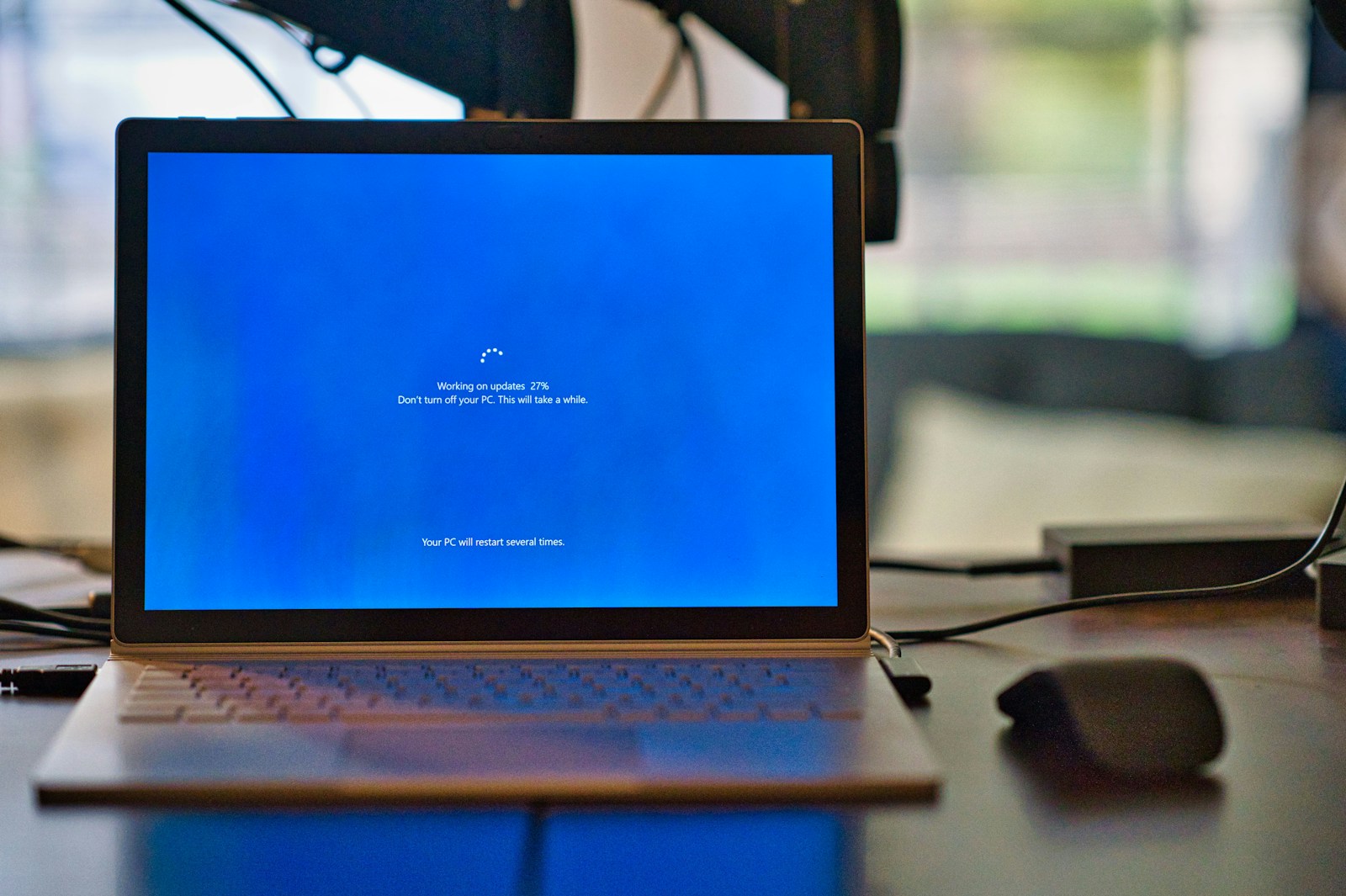
Windows 10 facts
100 Facts About Windows 10
🔹 General Overview
- Windows 10 was officially released on July 29, 2015.
- It was developed by Microsoft.
- Windows 10 was a free upgrade for Windows 7 and 8.1 users for a limited time.
- It’s a part of the Windows NT family of operating systems.
- Windows 10 succeeded Windows 8.1.
- It introduced the concept of Windows as a Service.
- Microsoft called it the “last version of Windows” for many years.
- It came with ongoing feature updates, not just security patches.
- Windows 10 ended support for Internet Explorer in 2022.
- Microsoft Edge became the default browser.
🔸 Start Menu and UI
- Windows 10 brought back the Start Menu, missing from Windows 8.
- The Start Menu combines the classic list and live tiles.
- It introduced a new Action Center for notifications.
- Task View allows users to see all open apps and desktops.
- Virtual desktops were introduced natively.
- You can pin apps, folders, and websites to the Start Menu.
- The interface supports both mouse/keyboard and touch input.
- The design theme is based on Microsoft’s Fluent Design System.
- It introduced dark mode and light mode system-wide.
- Tablet Mode optimizes the UI for touchscreen devices.
🔹 System & Performance
- Windows 10 supports both 32-bit and 64-bit architectures.
- It uses the NTFS file system by default.
- DirectX 12 was bundled with Windows 10 for better gaming performance.
- It boots significantly faster than Windows 7 or 8.
- It introduced Fast Startup to reduce boot times.
- Memory management was improved to reduce RAM usage.
- You can limit background apps to save battery and resources.
- It supports SSD optimizations by default.
- Windows 10 auto-detects your hardware for driver installation.
- It includes Storage Sense to free up space automatically.
🔸 Security Features
- Windows 10 includes Windows Defender Antivirus.
- It has a built-in Firewall and Network Protection.
- Features like Device Guard and Credential Guard enhance enterprise security.
- BitLocker offers full disk encryption (Pro & Enterprise editions).
- Secure Boot prevents malware from loading during startup.
- Windows Hello enables biometric login (face/fingerprint).
- You can use PIN login instead of passwords.
- Controlled Folder Access protects against ransomware.
- It supports TPM (Trusted Platform Module) hardware security.
- Regular security patches are delivered through Windows Update.
🔹 Cortana and Search
- Windows 10 introduced Cortana, a voice assistant.
- Cortana integrates with calendar, email, and reminders.
- It can search both local files and web results.
- The taskbar includes a search box or icon by default.
- Cortana was removed from the taskbar in later versions.
🔸 Updates and Versions
- Major updates came twice a year: Feature Updates.
- Version names use YYMM format, e.g., 21H2 for 2021, second half.
- Some major versions include 1511, 1607, 1703, 1809, 1909, 2004, 21H2.
- Updates are mandatory, though delays are possible.
- Windows 10 Pro offers more control over updates than Home.
🔹 Editions
- Available editions: Home, Pro, Enterprise, Education.
- Home is for regular consumers.
- Pro includes features for small businesses.
- Enterprise is tailored for large organizations.
- Education is for schools and academic institutions.
🔸 Apps & Features
- Includes a new Settings app, replacing Control Panel gradually.
- Microsoft Store offers universal apps (UWP).
- Paint 3D introduced basic 3D modeling tools.
- Game Bar enables screen recording and performance monitoring.
- Snip & Sketch replaced the Snipping Tool.
- Sticky Notes, Alarms & Clock, and Photos were updated.
- Windows Sandbox (Pro/Enterprise) lets you run apps in isolation.
- Comes with Skype and Xbox apps pre-installed.
- Built-in support for Linux via WSL (Windows Subsystem for Linux).
- You can download Linux distros like Ubuntu from the Microsoft Store.
🔹 Gaming
- Windows 10 includes Game Mode for better performance.
- Xbox Game Bar lets you take screenshots and record gameplay.
- Supports DirectX 12 Ultimate for advanced graphics.
- Xbox Play Anywhere allows shared games between Xbox and PC.
- You can stream games from your Xbox console to PC.
🔸 Productivity
- Built-in OneDrive syncs files to the cloud.
- Snap Assist helps arrange windows in grids.
- Focus Assist disables notifications while working/gaming.
- Includes Clipboard History feature.
- Supports multiple monitors and display scaling.
🔹 Compatibility
- Most Windows 7/8 programs run on Windows 10.
- Backward compatible with older hardware (to an extent).
- Compatible with Android File Transfer, USB-C, and Bluetooth 5.
- Runs on PCs, tablets, and some IoT devices.
- Offers legacy hardware support for older peripherals.
🔸 Networking & Connectivity
- Built-in support for Wi-Fi, Bluetooth, and VPN.
- Offers Mobile Hotspot functionality.
- Nearby Sharing lets you share files over Bluetooth or Wi-Fi.
- Includes Remote Desktop support (Pro edition).
- Microsoft Account login syncs your settings across devices.
🔹 Customization
- Allows theme customization via Windows Themes.
- Supports animated/live wallpapers via third-party apps.
- You can change accent colors, fonts, and taskbar settings.
- Offers multiple keyboard layouts and language packs.
- Users can install and change desktop icon packs.
🔸 Miscellaneous
- Windows 10 reached over 1.3 billion active devices by 2021.
- It was the most installed OS in the world by 2020.
- Extended support will end on October 14, 2025.
- Microsoft Teams was integrated in newer builds.
- Windows Ink provides stylus support for touch devices.
- Some PCs received Windows 11 as a free upgrade.
- Dynamic Lock automatically locks your PC when you leave.
- You can run Android apps using emulators or WSA (with Windows 11).
- Windows 10 supports HDR and 4K displays.
- Windows 10 has been translated into over 100 languages.
FAQs
✅ Windows 10 – 25 Frequently Asked Questions (FAQs)
- Q: When was Windows 10 officially released?
A: Microsoft released Windows 10 on July 29, 2015. - Q: Is Windows 10 still supported by Microsoft?
A: Yes, but support ends on October 14, 2025 for Home and Pro editions. - Q: What was the major change from Windows 8 to Windows 10?
A: The return of the Start Menu and a more desktop-friendly interface. - Q: Is Windows 10 a free upgrade from Windows 7 or 8?
A: It was free for a limited time after launch; unofficially, some upgrades still work. - Q: How many editions of Windows 10 are there?
A: Multiple, including Home, Pro, Enterprise, Education, and more. - Q: Does Windows 10 come with a built-in antivirus?
A: Yes, Windows Defender Antivirus (now Microsoft Defender) is built-in. - Q: What is Cortana in Windows 10?
A: Cortana is Microsoft’s virtual assistant, integrated into earlier Windows 10 versions. - Q: What is the difference between Windows 10 Home and Pro?
A: Pro offers advanced features like BitLocker, Group Policy, and Remote Desktop. - Q: How often did Windows 10 get updates?
A: Twice a year initially, later reduced to one major update per year. - Q: What is the latest version of Windows 10?
A: The final major version is 22H2, released in October 2022. - Q: What is Windows Hello?
A: A biometric authentication system for facial recognition or fingerprint login. - Q: Does Windows 10 support virtual desktops?
A: Yes, you can create multiple desktops for better multitasking. - Q: Can I still use Windows 10 after 2025?
A: Yes, but you won’t receive security or feature updates after support ends. - Q: What is Microsoft Edge in Windows 10?
A: The default web browser, later replaced by the Chromium-based Edge. - Q: What is Timeline in Windows 10?
A: A feature that shows a history of activities and opened apps/files. - Q: Does Windows 10 support touchscreen and tablets?
A: Yes, it has a Tablet Mode and touchscreen-friendly interface. - Q: How big is the Windows 10 installation size?
A: Around 20–25 GB for 64-bit versions, depending on edition and updates. - Q: Is Windows 10 good for gaming?
A: Yes, with support for DirectX 12, Game Mode, and Xbox integration. - Q: What is the minimum system requirement for Windows 10?
A: 1 GHz CPU, 1–2 GB RAM, and 16–20 GB of storage. - Q: Can I disable automatic updates in Windows 10?
A: Not completely in Home edition, but pause and defer options are available in Pro. - Q: What is BitLocker in Windows 10?
A: A drive encryption feature available in Pro and Enterprise editions. - Q: What is the Action Center in Windows 10?
A: A panel for notifications and quick settings, accessible from the taskbar. - Q: Does Windows 10 support multiple monitors?
A: Yes, with excellent multi-display support and customization. - Q: What is Windows 10 S Mode?
A: A secure mode that allows only Microsoft Store apps and Edge browsing. - Q: How can I check my Windows 10 version?
A: Go to Settings → System → About, or typewinverin the Run box.